
2026, deployed
Global Gears work order system
Software Engineer (Contract) · Global Gears India Pvt. Ltd.
Sole engineer on an internal operations system for a ~14-person gear manufacturer. Searchable work orders and attachments, with purchase-order pricing restricted to three authorised people. Deployed in October 2026 with the first work orders onboarded. My current involvement is ad hoc support.
Sign-in is restricted to staff.
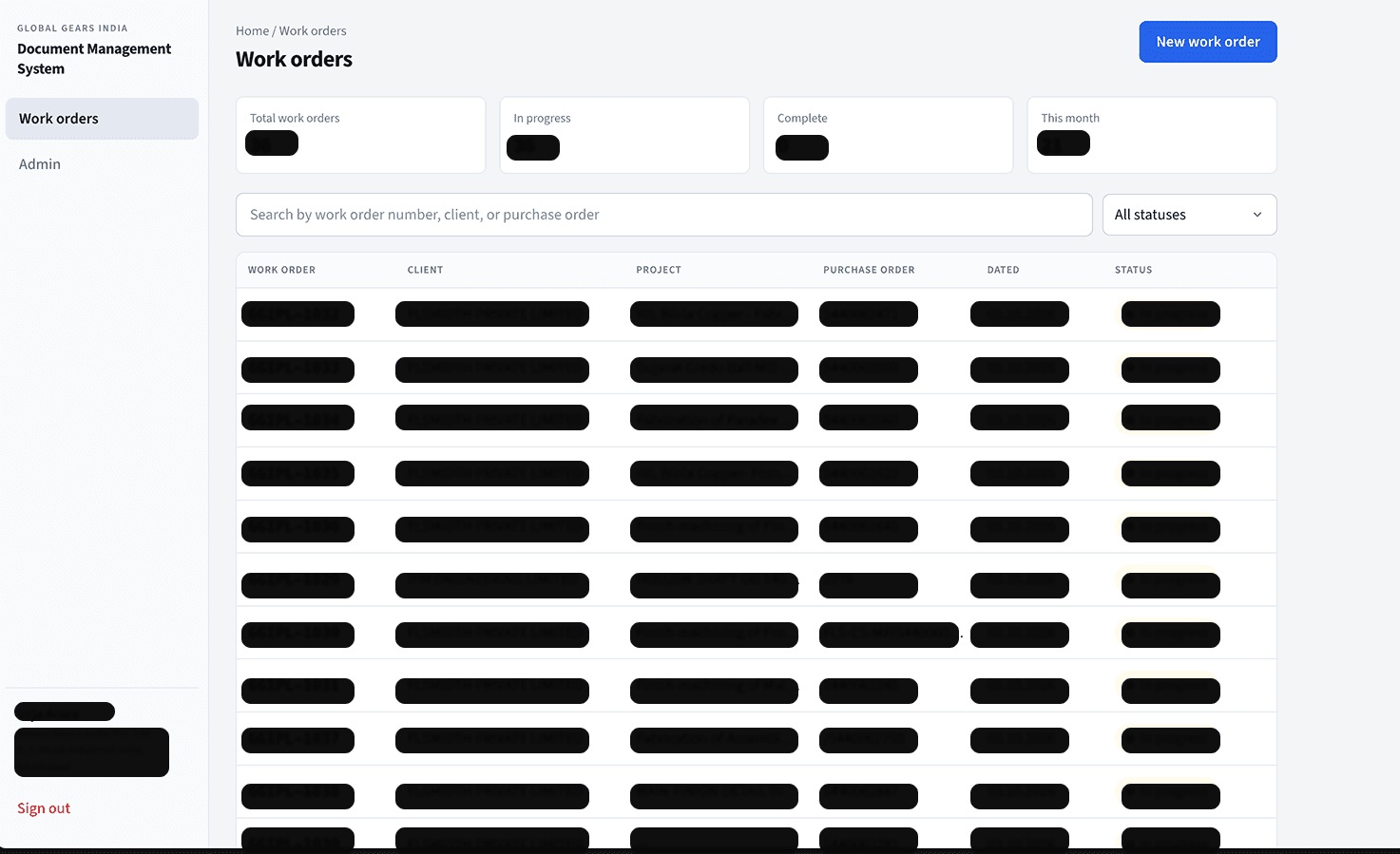
Overview
Global Gears is a gear manufacturer with about fourteen staff in Ghaziabad. Orders, documents, and technical drawings previously lived across a shared inbox and paper files. I was the only engineer from the first conversation through deployment.
I built a searchable work-order system with attachments. Drawings and quality documents are available to the floor. Purchase orders carry pricing and stay restricted to three authorised people. The system was deployed and the first work orders were onboarded in October 2026. I now provide ad hoc support rather than ongoing product development.
The problem
Once documents existed, nobody could find them again. Answering a question about an order meant asking whoever had opened the email.
Pricing made a shared folder unsafe. A client purchase order shows what the customer pays. Supplier purchase orders show what the company pays for forging, heat treatment, and related work. Together those numbers reveal the margin on the job. In a small industry, rates that circulate affect later quotes, so priced documents need a small authorised set. Everything else on the job still has to be open to production and quality.
I looked at Google Drive first. Two shared drives would have worked technically, but only if people filed every order correctly forever. A priced document in the open drive looks identical to one that belongs there. The client said they could not enforce that discipline, so the rules had to live in the system rather than in habits.
Access levels
Access is three privilege levels, not per-document permissions, so it stays explainable:
- Full access (director and procurement): create work orders, change status, open priced documents, manage other people's access.
- Pricing access (accounts): open priced documents, but cannot create orders or manage access.
- Standard access (production and quality): find orders, download drawings, upload documents. Never open a priced document.
Levels are named for privilege rather than department. In practice three people can open a priced document and eleven cannot. The People screen shows that count because it is the question the director keeps asking.
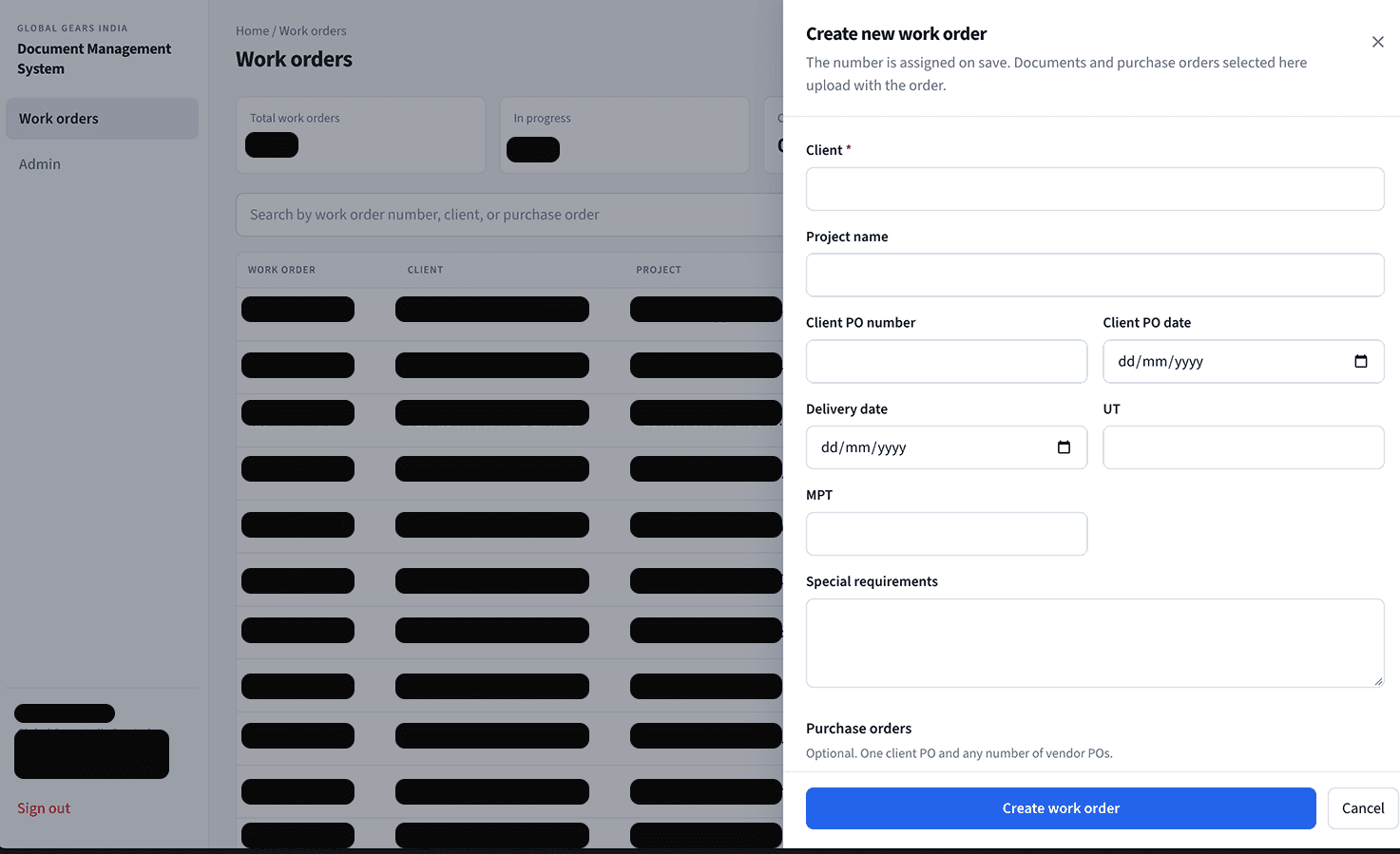
The security model
Access rules live in the database, not only in the UI, so a frontend bug cannot quietly expose a purchase order.
Purchase-order records sit in a separate table, and files sit in a separate storage bucket. They are not general documents behind a boolean flag. Sharing a table would mean every future query has to remember to exclude them.
The purchase-order bucket has no storage policy on purpose. In Postgres row-level security, a missing allow policy means deny. Browser requests are refused, including from administrators. The only credential that can open the bucket is the server service key, which never reaches the browser.
A purchase order is therefore only served by a server route. The route looks up the record by id, derives the storage path from that database row (never from a client-supplied path), checks the active user record and role, writes an append-only audit entry, then streams the file. If the audit write fails, the request fails closed and no bytes are sent.
Access depends on an active row in the application user table, not merely a successful Google login. Supabase issues a session as soon as Google sign-in succeeds, before application authorisation runs. A valid session only proves someone has a Google account.
The audit log cannot be written from the browser. The server key can insert and select, nothing else, so the log is append-only even to the most privileged credential. Anyone who can open a purchase order can still photograph the screen. The system does not pretend otherwise. What it does provide is traceability: a leak points at one of three named people.
Testing the model rather than trusting it
Because the schema does the security work, reading it carefully is not enough. I wrote 100 database security assertions against a local Postgres instance across five identities plus anonymous and service roles: administrator, pricing user, ordinary floor user, removed employee, and a stranger who completed Google sign-in but was never added.
The suite found the most serious bug in the project, which I had introduced myself. Early policies checked whether the caller was signed in. That would have made work orders, documents, and drawings readable by anyone with a Gmail account and the public browser key. Access now derives from membership. Against the old schema the stranger could read data; against the current one they get nothing.
A second issue came from a platform change. Supabase stopped auto-granting table privileges on new projects while the local stack kept the old behaviour. Tests would have passed locally and failed in production. Privileges are now explicit, the anonymous role has none, and the privilege test iterates every table in the schema so new tables are covered automatically.
Designing for people who won't be trained
Most staff are in their fifties and sixties and are not confident with software. One constraint was that the system could not require a training session.
Five document categories are always visible, with "None yet" under empty ones. Uploads sit inside each category, so filing is determined by which button was pressed. Priced documents use a visually distinct block rather than a confirmation dialog. For standard access that block is not greyed out; it is simply not rendered.
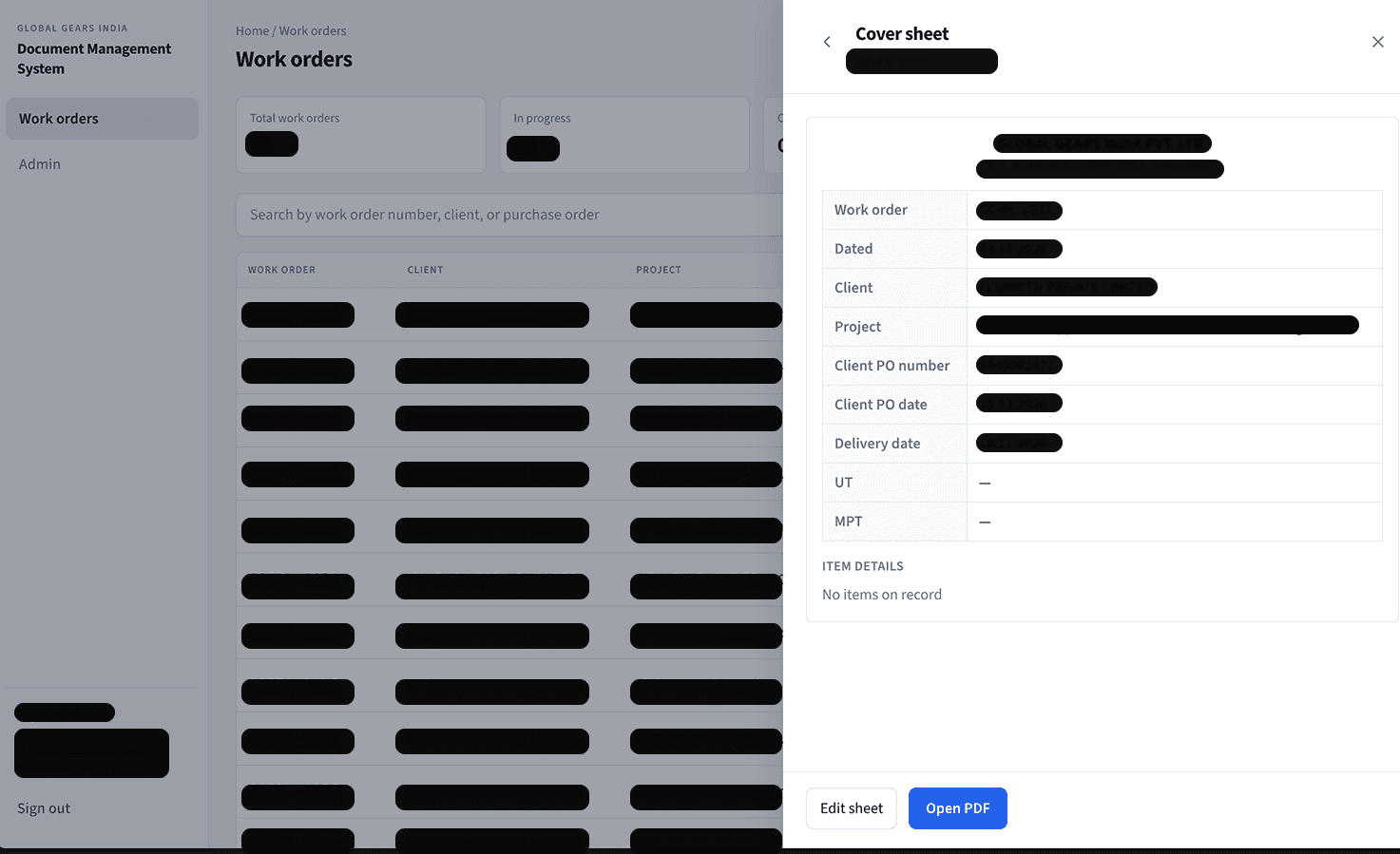
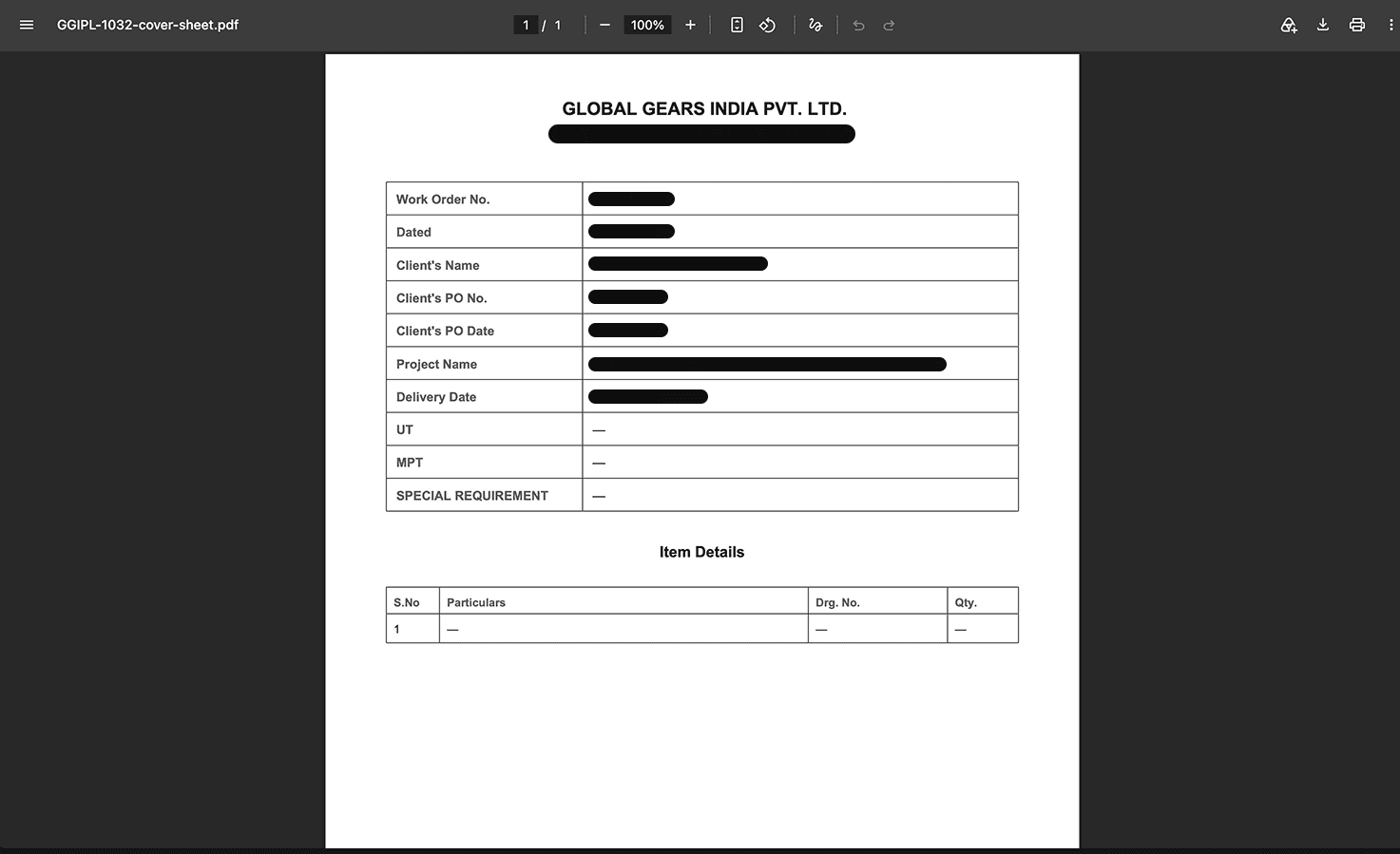
Legibility was treated as a requirement: minimum type size, contrast floor, and touch targets, measured rather than judged by eye. The system also generates the cover sheet that used to be typed by hand and assigns work order numbers itself.
Stack and infrastructure
Next.js App Router, TypeScript, React, Tailwind, shadcn/ui, Supabase Postgres, Auth, and Storage, SQL migrations, Google OAuth, and Vercel.
Database and serverless functions are pinned to Mumbai so priced files do not leave India in transit. The purchase-order route uses the Node runtime rather than Edge because edge functions cannot be pinned to a region.
A written decision record sits beside the code and records why choices changed, including purchase-order delivery, numbering, and the sign-in model.